
-
Prepare & Adjust Your Strap
-
-
Before Putting It On
Wet the conductive pads on Viiiiva’s strap with a few drops of water to ensure good contact to the skin.
Adjust Your Strap
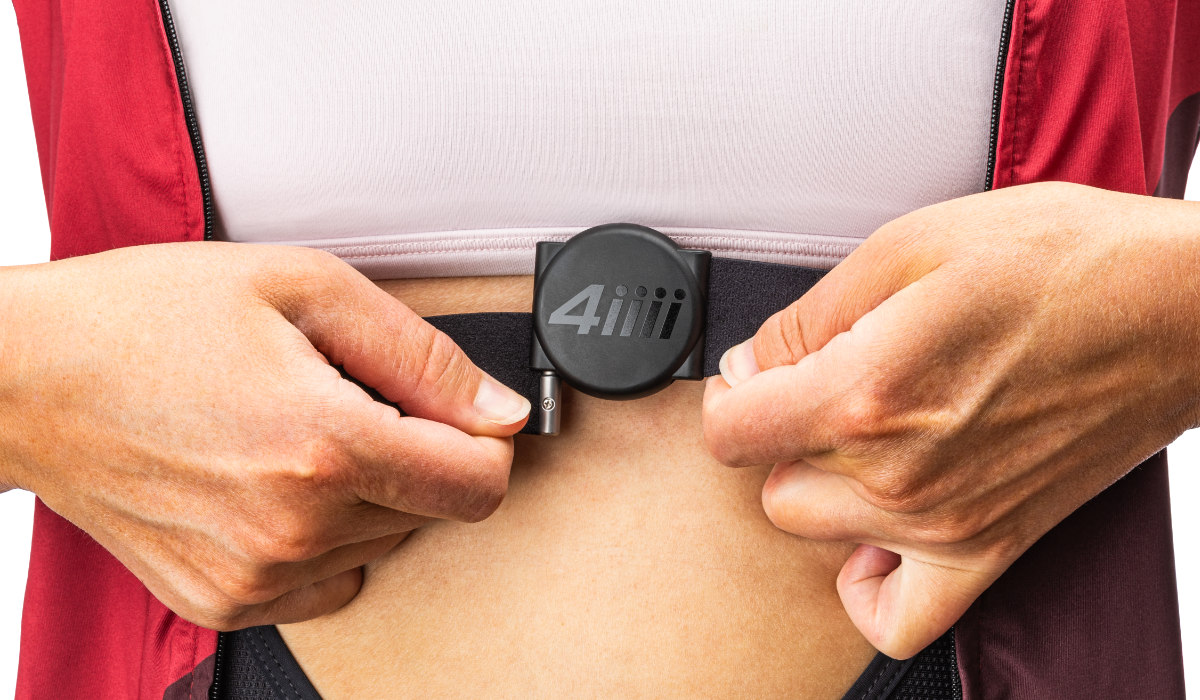
Wrap the strap around your chest and attach the pod by sliding it down onto the connectors, make sure the arrows on the back are pointed up.
To ensure an accurate heart rate signal, adjust the strap to fit snugly just below your pectoral muscles with the pod centred.
Note: Inaccurate heart rate data will be detected if the pod is worn upside down.
-
Heart Rate Monitor Setup
Getting Started
Let’s get your ticker talking to your tech so you never miss a beat!


Pairing
Let’s get in sync! Hook up your Viiiiva using Bluetooth or ANT+ so you can stop guessing and start tracking your heart’s hard work.
-
Connecting to the 4iiii App
-
-
- Open the 4iiii app and log in. If this is your first time using the app, you will need to create an account. Once you have logged in the app will take you directly to the Devices tab.
- Moisten the conductive pads and put on your heart rate monitor.
- Select ‘Add a Device’.
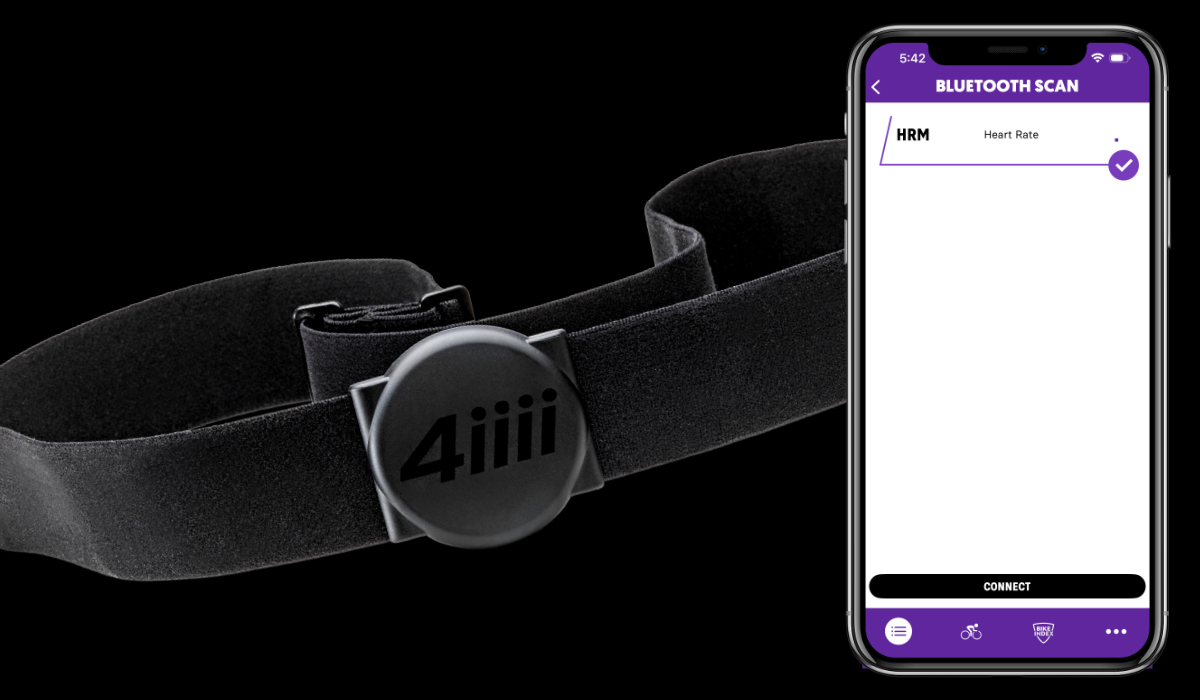
- Select your heart rate monitor from the list of available devices. A check mark indicates the device is selected.
- Press ‘Connect’.
-

-
Pair With a Display Unit
-
-
Pairing steps vary between display units. Consult your display unit’s user manual for specific instructions. The Viiiiva will pair ANT+ to ANT+ device or BLE to BLE device. The following are generic instructions for display units:
- Turn on your display unit.
- Moisten the conductive pads and put on your heart rate monitor.
- Navigate to the “sensors” menu on your display unit.
- Add a new sensor.
- Select your HRM from the list of available devices and connect.
-

Caring For Your Viiiiva
Show your tech some love with proper care to ensure your data stays as sharp as your performance.
-
Cleaning
-
-
- Prepare a mixture of warm water and a mild soap.
- Separate the pod from the strap and set it aside. Hand wash the strap using the mixture.
- Using a soft rag dipped in the mixture wipe down the pod.
- DO NOT have liquids near the pod when the cap is off for battery replacement.
- DO NOT wash the strap in a washing machine as it can damage the sensors.
-

-
Battery Replacement
-
-
We recommend avoiding CR2032 batteries with a bitter coating as it has been shown in tests to be non-conductive. This can lead to connection problems or dropouts with your 4iiii heart rate monitor.
- Remove the cover by prying it with a flathead screwdriver or similar tool.
- Use the same tool to gently pry the battery from the cap.
- Place the new battery into the cap with the ‘+’ symbol facing the battery cap.
- Return the cap to the pod and snap it into place.
-
